Computer Recycling
Sioux Falls
Clear Your Office PCs
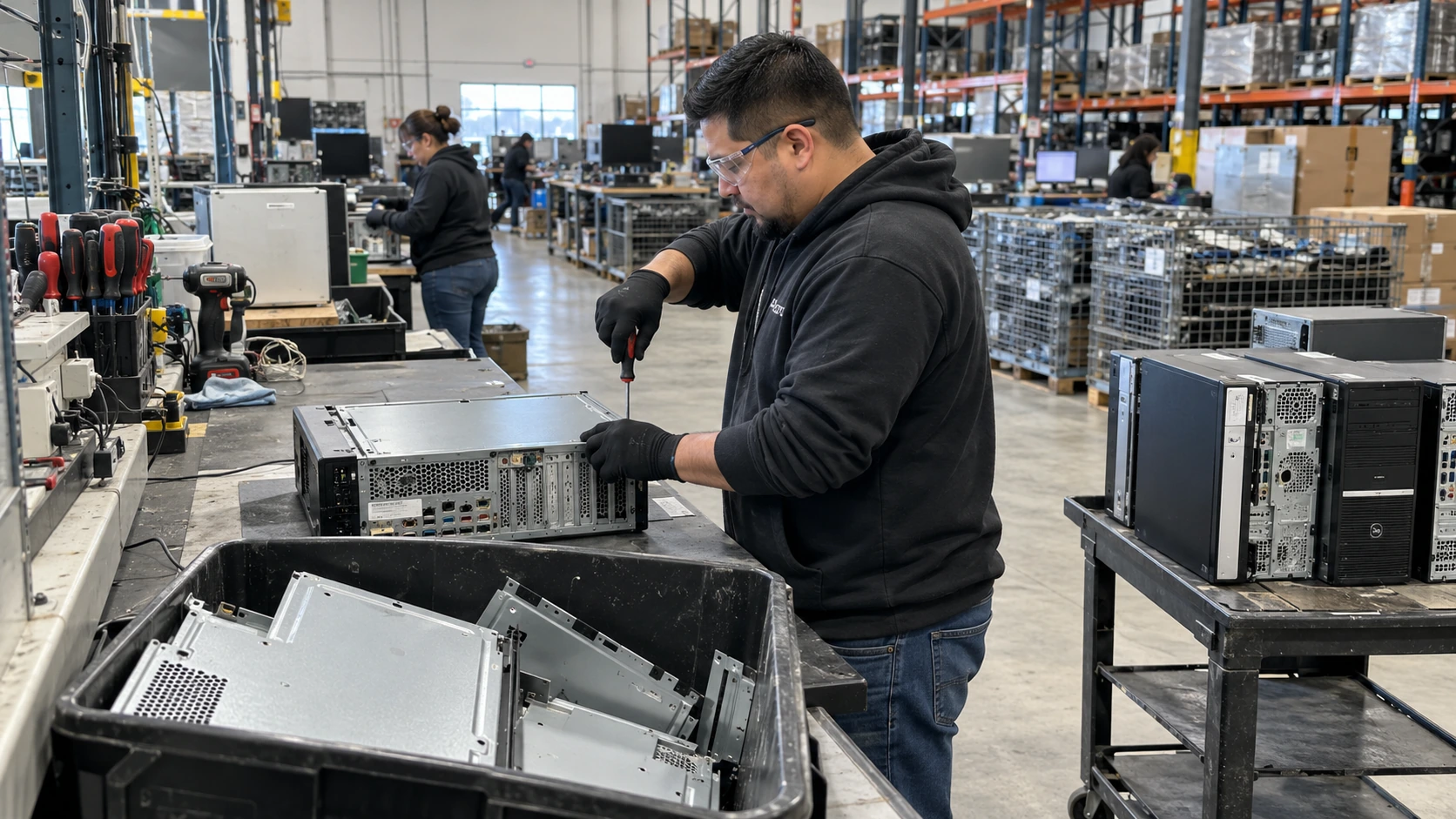
Clear the unused office computers taking up desks, closets and storage rooms. Secure computer recycling from Precision E-Cycle gives Sioux Falls businesses a practical collection plan, with free pickup available and data handling agreed before your desktops leave the office.
Speak with our Sioux Falls team
How does business computer recycling in Sioux Falls SD work?
Computer recycling in Sioux Falls gives offices a way to retire desktop systems with a planned pickup and documented data handling. Precision E-Cycle provides secure computer recycling in Sioux Falls for businesses of any size, helping your team separate reusable equipment, sensitive storage and accessories before collection from your office.
Office PC disposal in Sioux Falls starts with a count and a collection address, rather than a full truckload. Share the systems you have and where they are stored. Our team can review a free pickup, confirm access and explain which data records fit your retirement project before you book.
Precision E-Cycle organizes computer recycling in Sioux Falls around your office, equipment and data priorities. Tell us whether the desktops still contain drives and whether you need asset identifiers in the report. We collect the approved equipment and process it at our Lincoln facility, keeping the project documentation connected to the pickup.
How do office computers move through recycling?
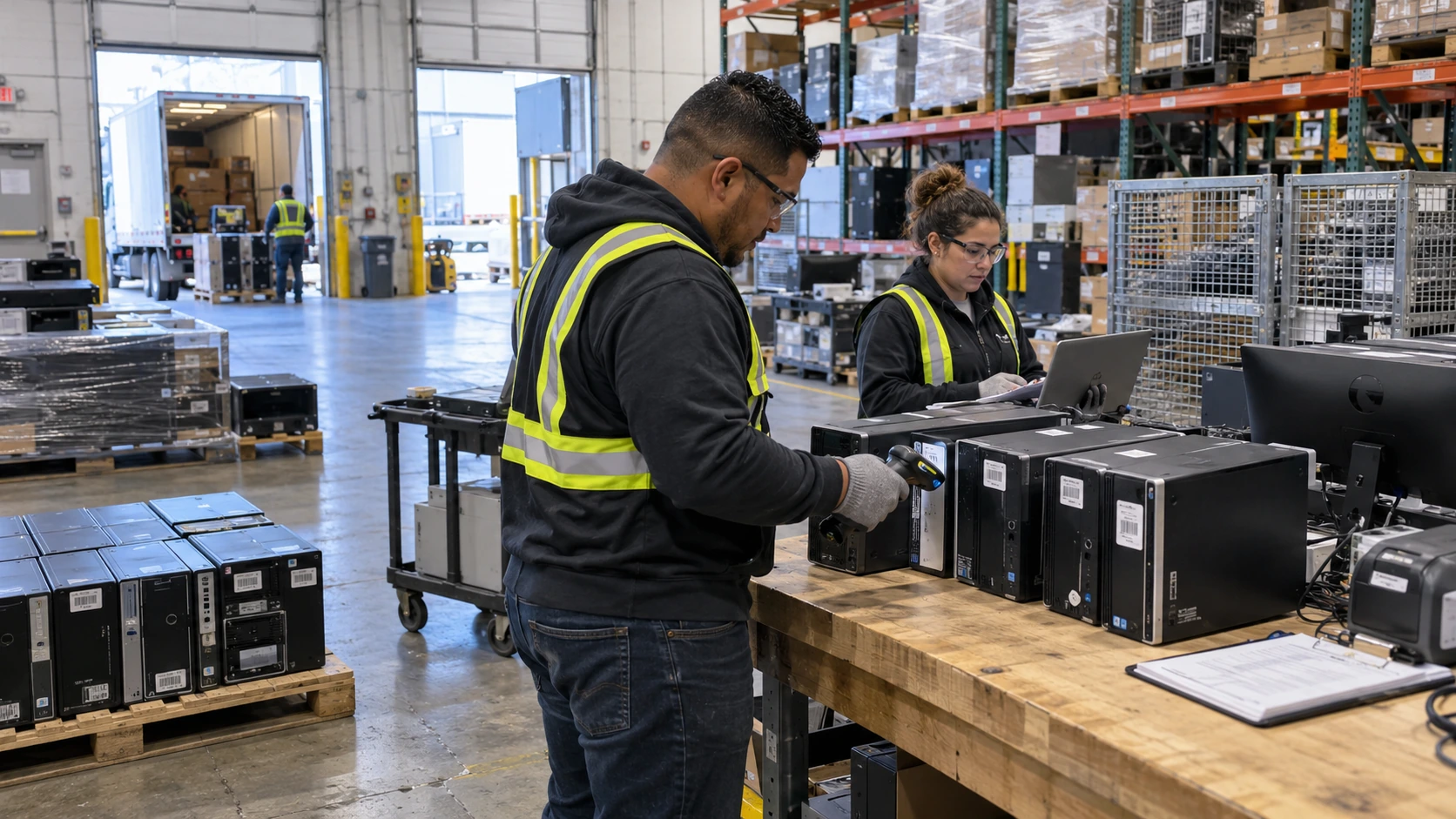
Bring the equipment and data questions together before collection. These steps give your office a clear path from the closet to closeout.
Count the office PCs
List the desktop towers, workstations and related accessories you want removed. An approximate count helps us scope collection; there is no item minimum for asking us to plan your computer recycling pickup.
Identify stored data
Tell us which systems contain drives and whether they start. Agree the media handling and documentation before collection so a failed computer is not mistaken for a device without sensitive information.
Prepare the pickup area
Gather the approved equipment where staff can identify it, keeping working systems separate. Share stairs, loading access and building contact details so the collection can fit your office instead of disrupting active desks.
Transfer the approved lot
Check the pickup lot against your list before it leaves. Flag devices that were added or removed, then keep the handoff information with your retirement records so the project owner can follow up easily.
Review the completed record
Use the final project documentation to close the office retirement. Review any data exceptions with your IT contact and retain the free certificate of destruction for media destroyed under the agreed scope.
What belongs in a desktop computer retirement lot?
A desktop retirement lot should identify the computers, their storage media and the accessories you want collected. Start with the towers and workstations, then list monitors and peripherals separately. That lets our team scope handling and avoids assuming that every screen or loose item follows the same route as an office PC.
Check storage closets as well as the desks being refreshed. A broken computer may still contain a working drive, while a labeled empty chassis may have already had its storage removed. Record what your staff knows, and leave uncertain systems identified for review rather than guessing at their data status.
- Separate active equipment from the approved retirement lot.
- List desktop towers and workstations by location.
- Flag systems with inaccessible or unknown storage.
- Keep monitors and loose peripherals grouped separately.
Before pickup, choose the person who can approve changes to the load. An equipment refresh often leaves additional items beside the planned stack, and the collection record should reflect what is actually handed over. A clear contact makes it easier to check those additions without slowing down the office team.
Why keep office computers out of the general waste?
Office computers need a secure recycling path because their material and stored data call for a planned retirement. The City of Sioux Falls states that electronics are banned from the Sioux Falls Regional Landfill. Arrange a business pickup and identify the storage media before the computers are cleared from your workplace. Source: City of Sioux Falls
An office move can mix desktop systems with furniture, packaging and general cleanup material. Keep the electronics visible and separate so staff do not lose track of the retirement lot. Let the building contact know what is being collected and who will confirm that active machines stay in place.
- Choose an approved collection area for electronics.
- Retain your inventory with the pickup information.
- Keep unresolved data questions with the IT owner.
- Ask about separate handling for screens and other items.
For a computer refresh spread across several offices, send the locations together and label each equipment group by origin. The collection plan can then reflect the actual work at each site. Our team can also discuss the related retirement streams through the service pages below, keeping your desktop project focused.
How can Sioux Falls offices arrange a pickup?
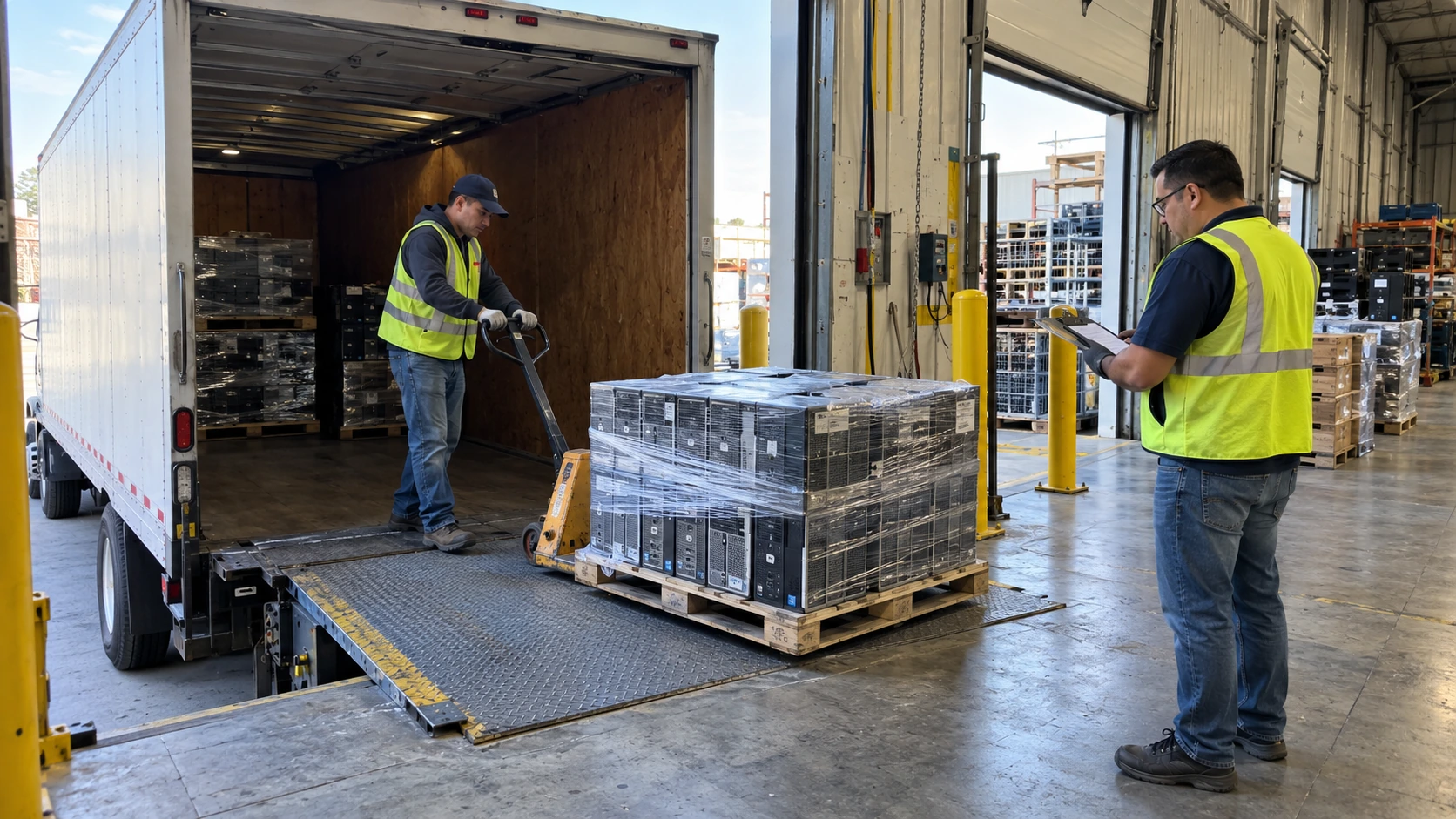
Offices can arrange a pickup by sending their equipment count, collection address and access details together. Include a building contact who can identify the approved computers and a separate IT contact for data questions. Our Sioux Falls team coordinates collection, with processing at our Lincoln facility and documentation scoped to your project.
The Sioux Falls Development Foundation lists Wells Fargo among local finance and banking employers. Downtown Sioux Falls also includes office activity around Falls Park and The Steel District. Business equipment retirement can involve several departments, so keep your own office inventory and authorization available when planning the collection.
You can request a pickup for a small office as well as a larger refresh. Tell us about computers stored at a second location, and ask about our nationwide pickup if your organization has a wider project. A free quote gives your team a useful next step without waiting for a storage room to fill.
Sioux Falls and nearby communities
Free pickup available from Sioux Falls offices of any size, with no item minimum. Share your collection address and ask about our nationwide pickup for a wider computer retirement project.
Businesses in and around these metros can request pickup or a project quote, with equipment processed at our Lincoln, Nebraska headquarters. Hover any marker for details, or click a service area to visit its page.
Scheduled commercial pickups across Sioux Falls, SD and surrounding communities are routed directly to Precision E-Cycle's ISO-certified processing facility at 4100 Industrial Ave STE D, Lincoln, NE 68504.
Choose the related equipment service
Plan the other equipment streams beside your office PCs. These pages explain the matching retirement projects, so your collection can stay clear and useful.
What documents support secure computer recycling?
Secure computer recycling includes a data decision as well as a collection. Precision E-Cycle reviews storage media and the required records before office PCs leave your site, then scopes sanitization using NIST SP 800-88 Rev. 2 methods. Tell us about failed systems and unknown drives so exceptions remain visible in the project.
The retirement record should reflect the actual data work completed, rather than simply confirm that a computer was picked up. Agree any asset identifier fields you need at the start. A free certificate of destruction is available for destroyed media, while other documentation follows the approved sanitization and equipment path for your project.
Precision holds ISO certifications covering information security, environmental management, quality management and occupational health and safety. Processing takes place at our Lincoln facility. Your office can request the records needed for its own policy, and our team will review that scope alongside the equipment list and pickup plan before the collection.
What do Sioux Falls offices ask?
Is there a minimum quantity for Sioux Falls computer pickup?
Can I put old Sioux Falls computers in the trash?
Is free pickup available for retired office computers?
How fast can you pick up Sioux Falls office PCs?
What happens to the data on a broken desktop?
Can multiple offices combine a computer recycling request?
Book your Sioux Falls office computer pickup
Clear the desktop systems your office has finished using. Get a free quote, ask about free pickup available and request a free certificate of destruction for destroyed media. Send your equipment count to start.